Education
Oct 27, 2026
How to Use the Nurturish AI Hair Scan
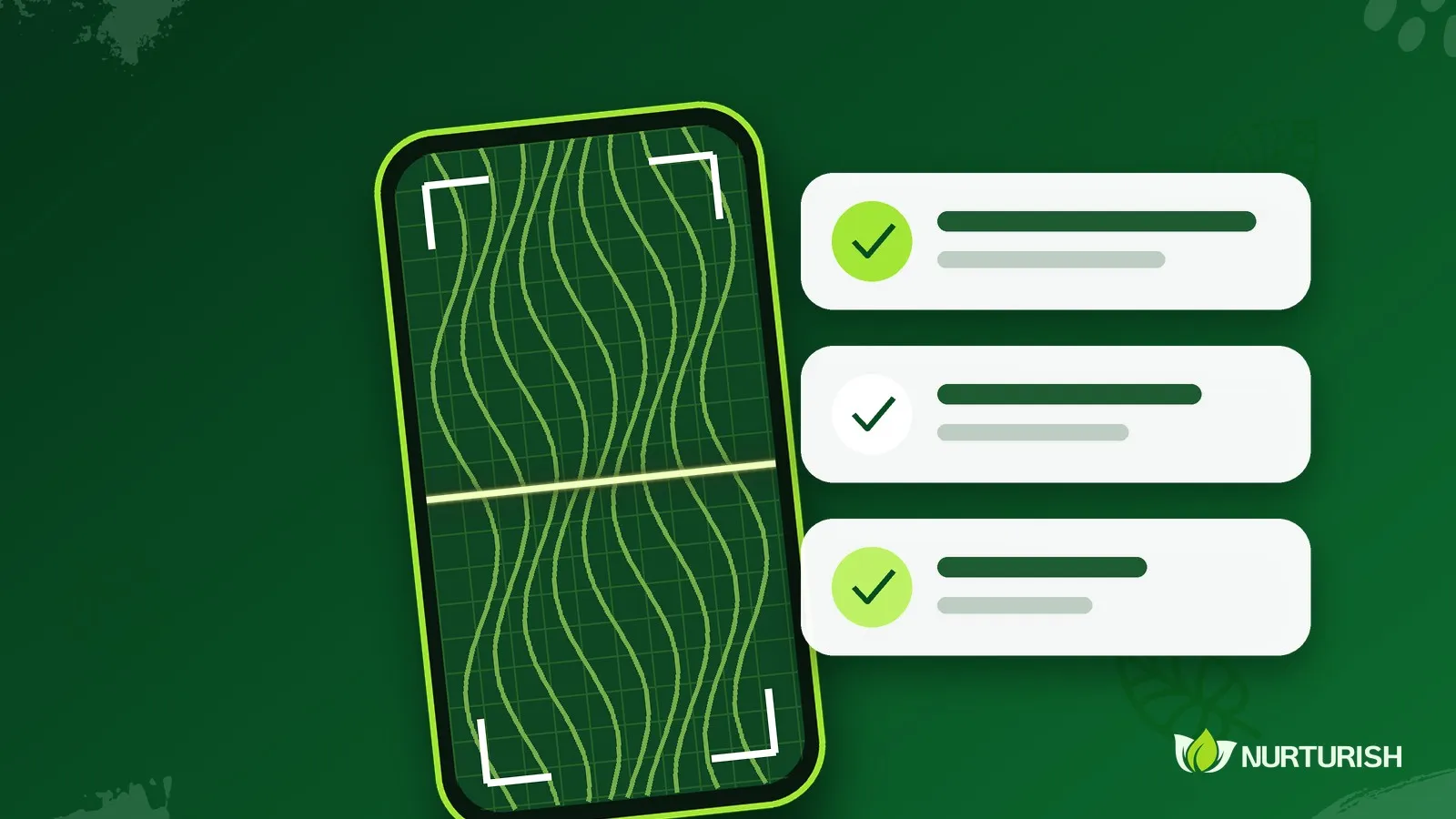
The AI Hair Scan helps you recognise the visible signs on your hair or scalp and find the Nurturish products that suit you, using just one photo.
# Step by step
1. Open the AI Hair Scan page on the Nurturish website.
2. Choose who the scan is for: adult/teen, or baby/child (from 2 months old, filled in by a parent or guardian).
3. Pick the concerns that bother you most. You can skip this step.
4. Take a photo or choose one from your gallery, then agree to the photo being processed.
5. Press Analyze Now and wait a few seconds.
# Tips for a good photo
- Use bright, even light.
- Make sure it is in focus and not blurry.
- Get close to the problem area, such as the parting or a section of the scalp.
- Keep your face out of the picture.
# Reading the result
The result shows the level (mild, moderate, severe), the signs seen in the photo, suggested products with how to use them, and a care routine. It is an indication from a photo, not a medical diagnosis. If something should be checked, the result will advise you to see a doctor first.
# What about photo privacy?
Nurturish does not store your photo. It is only used temporarily to produce the result. For children, the photo may only be sent by a parent or guardian.
# After you get your result
You can order the suggested products through the WhatsApp button, or talk to our team if you want to be sure about your choice.
A
Admin
Written by our expert team.